One board, from the conversation to your tickets.
Your client tells you how an order runs, and Brownpaper draws along. If your assumption is wrong, you see it at the table, with what was said beside it. Then your own Claude or ChatGPT reads the same board, and you ask what still needs to be built. If your assistant has Jira connected, it turns the board into tickets, named after the steps on the board.
From webshop order to invoiceListening in
- CustomerOrders in the webshop
- via integration
- WarehouseAll in stock?
- no
- Customer serviceSplits order by hand
- ↓Picks and ships
- yes
- WarehousePicks and ships
- AccountingMakes invoice
If something isn’t in stock, I split the order myself. That’s easily three quarters of an hour every morning.Customer service, at 18:05± 4 hours a week
You“So the integration puts every order into the ERP?”Customer service“Not if something is out of stock.”
See what already runs by itself and what is still done by hand.
Your client thinks the webshop passes every order on to the ERP by itself. On the board you see, step by step, whether that’s true: does the work move from one system to the next by itself, or does someone retype it? So before you start, you know where the handwork is. At this client, customer service splits every order that isn’t fully in stock by hand, every morning. That’s what you’ll build; what already runs by itself, you don’t need to touch.
Interview the people who aren't at the table, too.
The warehouse knows how a partial delivery really goes, but isn’t at your meeting. Send them a link. Brownpaper asks the questions and draws the board along, on a screen in your house style, and no account is needed. Beforehand you say what you want to find out. When your guest presses Done, you get an email with a link to the board.
What happens when an order isn’t fully in stock?
I pick what’s there, and customer service puts the rest into the ERP as a new order.
How does the customer find out something is still coming?
DoneWhat happens when an order isn’t fully in stock?
I pick what’s there, and customer service puts the rest into the ERP as a new order.
How does the customer find out something is still coming?
DoneWhat happens when an order isn’t fully in stock?
I pick what’s there, and customer service puts the rest into the ERP as a new order.
How does the customer find out something is still coming?
DoneYour client sees that you understand their work.
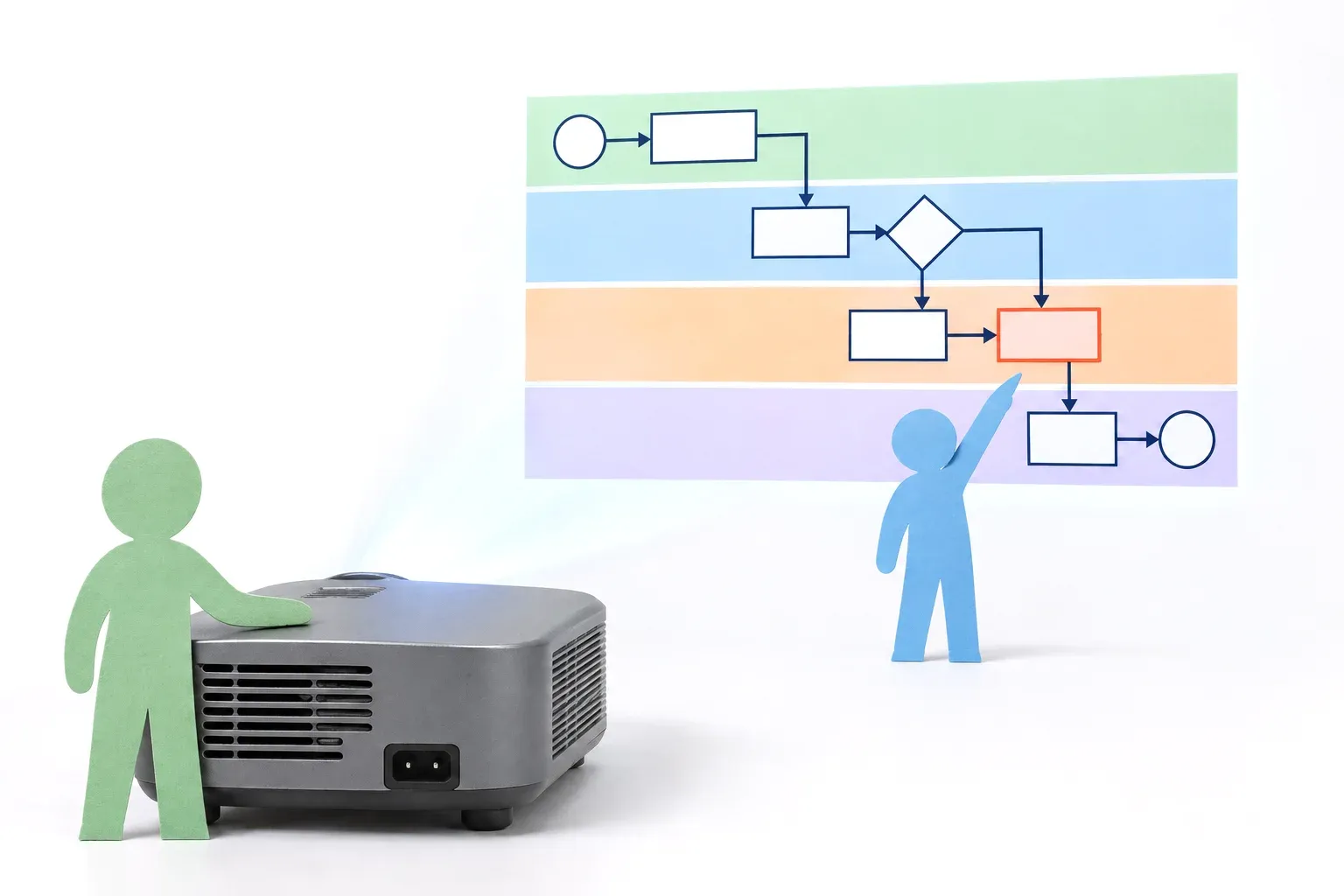
At the end of the conversation there’s a board of what your client told you themselves. Show it in 2D, as BPMN or in 3D, with a tour through their own process. If someone asks why a step is there, you click the card open and read what their colleague said, and when. That way you show you really listened, before you’ve written a single line of code.
What builders ask about process discovery
Can't I just do this with ChatGPT?
It works together. ChatGPT works with what you put into it; Brownpaper gathers the process during the conversation, with who said it on every card. Your ChatGPT then carries on from that board.
What does my assistant see of the board?
The steps and arrows, the roles and systems, the risks and bottlenecks, the analysis, and on every card the moment in the conversation. Your assistant can also make and change boards. That works with Claude and ChatGPT, and with other assistants that support an external connection with sign-in.
Does Brownpaper make Jira tickets itself?
No, Brownpaper has no Jira connection of its own. Your assistant reads the board with the step names, and if it has Jira connected, it makes tickets from it.
My client already recorded the conversation in Teams. Can I use that?
Yes. Read in the transcript from Teams (.vtt or Word), or the recording itself (mp4), or a PDF. With the transcript from Teams the speakers’ names stay; otherwise you name them yourself, and the name appears on every board from that conversation.
Does Brownpaper also draw how the systems are built?
No. You see which system belongs to which step and which data goes between the steps, and whether it is retyped, connected or stays within one system. How the systems themselves are built, with networks or cloud components, Brownpaper doesn’t draw.
Do I get a BPMN model out of it for Camunda or Signavio?
Yes, as BPMN 2.0, which you open in Camunda, Signavio or bpmn.io. It is a translation of the board; you finish an executable model there.
Can my client follow along without an account?
Yes, with a view link. If you make a project per client, you share all the boards with one link, and new boards appear in it by themselves.
Where do my client's conversations end up?
They are stored encrypted. Brownpaper reads the content only if your organisation allows it, or if the owner lets us look along for a while, and every time it is in the log. More on Trust.