From a conversation to a process you walk through.
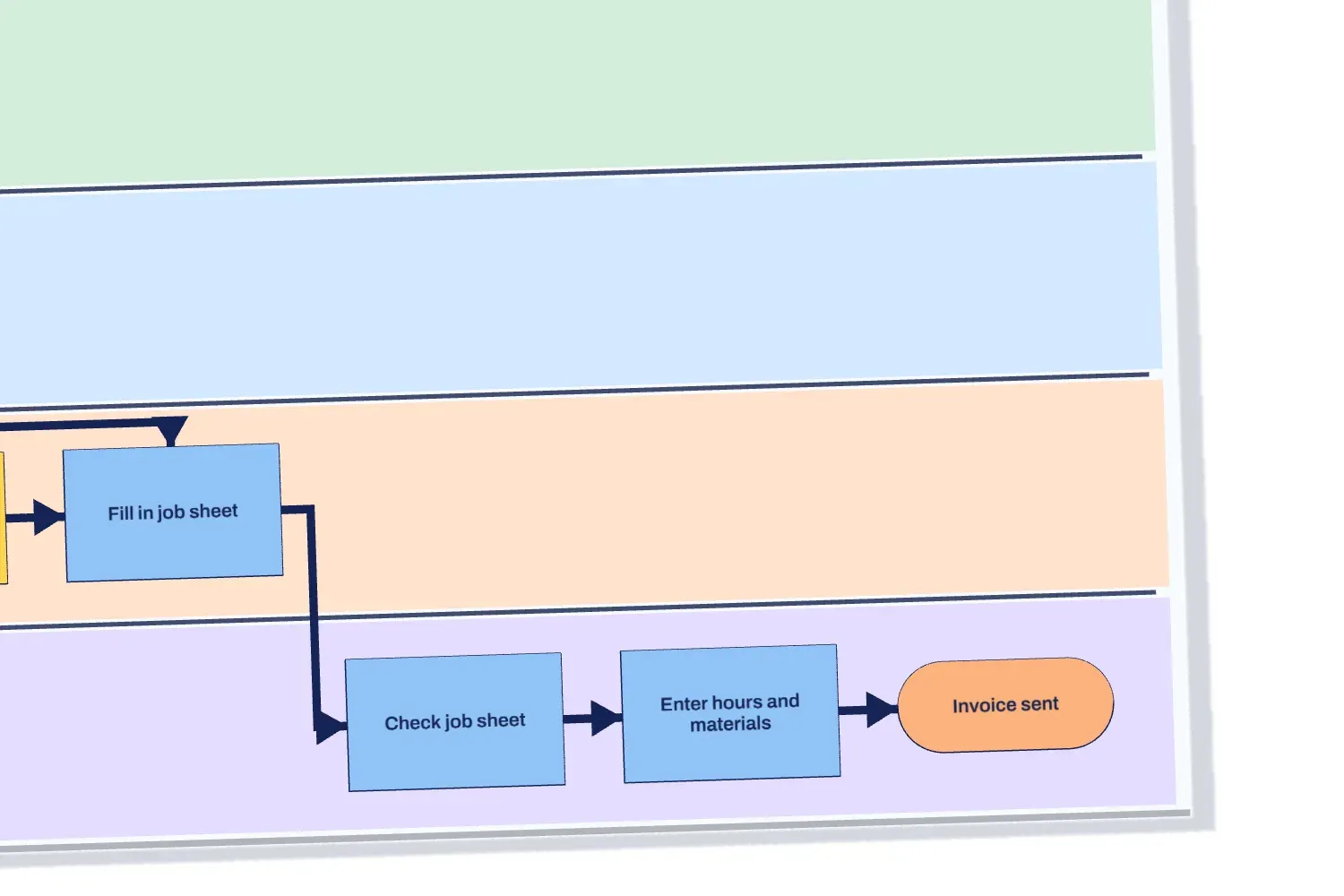
Scroll through the process of an installation company, from fault report to invoice.
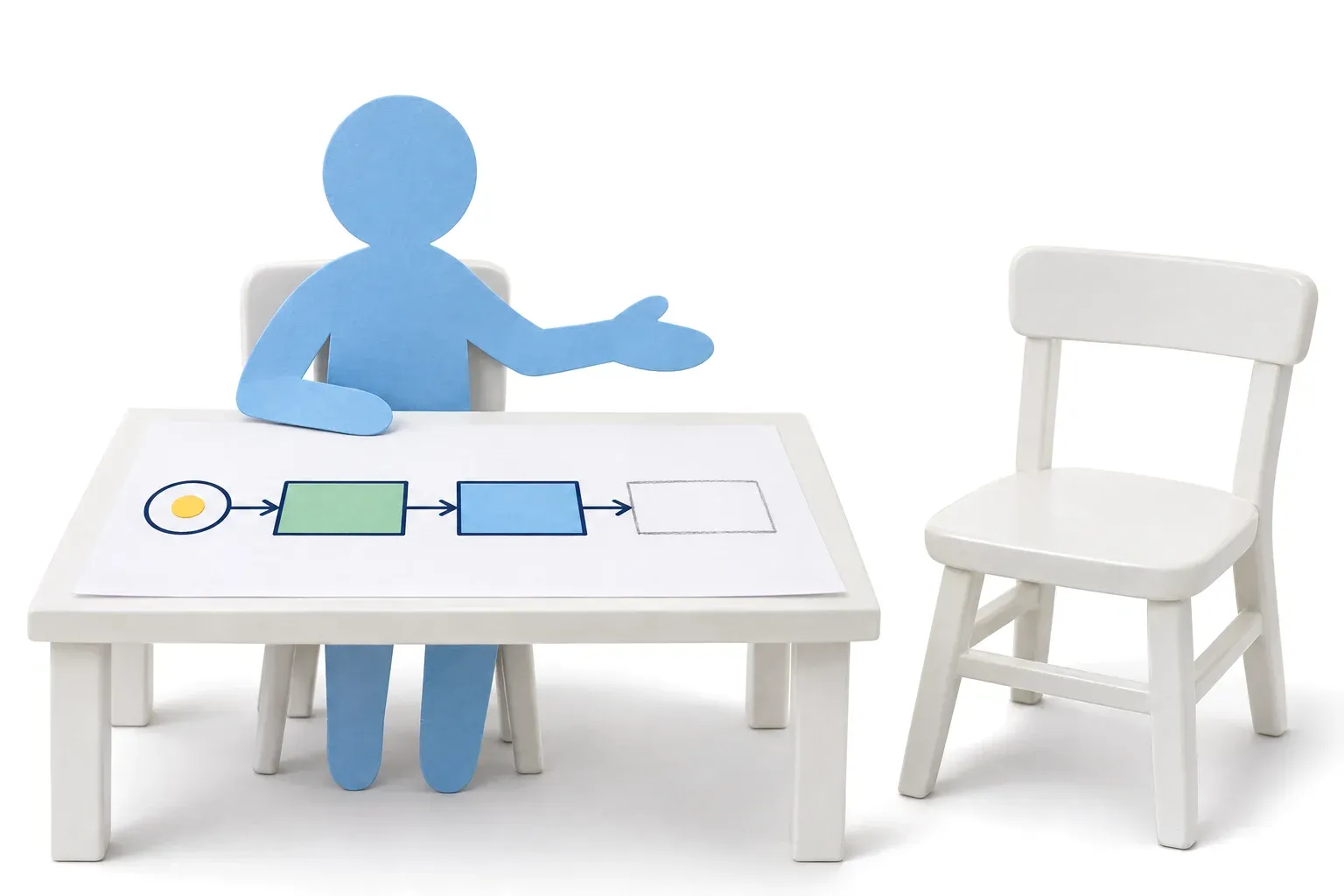
1You talk, the process appears.
Sandra, back office"A customer emails about a fault. Then I retype everything from that email into Exact."
Kees, planner"I do the scheduling at the end of the afternoon, all in one go."
AI interviewer"And what happens if the part is not in the van?"
Every step appears while you talk: who does it, what happens and where the work goes on to someone else. If something's off, you move or rename it yourself, as you go.
2See where it gets stuck, and what it costs.
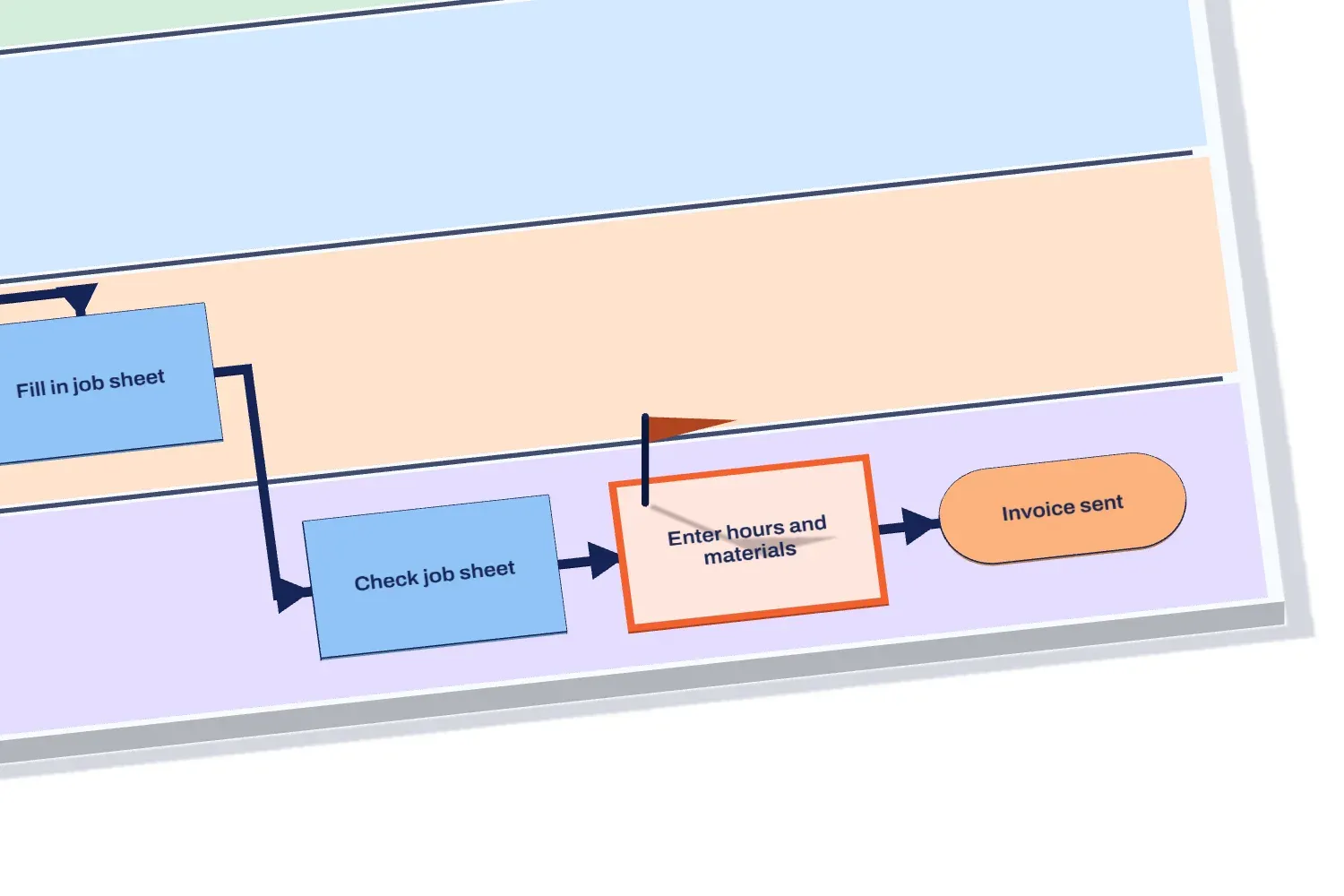
Bottleneck #1 · Retyping15 hours a week15 minutes × 60 a week, at "Enter hours and materials"
"Then I retype it into Exact."Marieke, admin
Brownpaper names the bottleneck, works out what it costs per week and shows who said it.
3One click turns your process into a space.
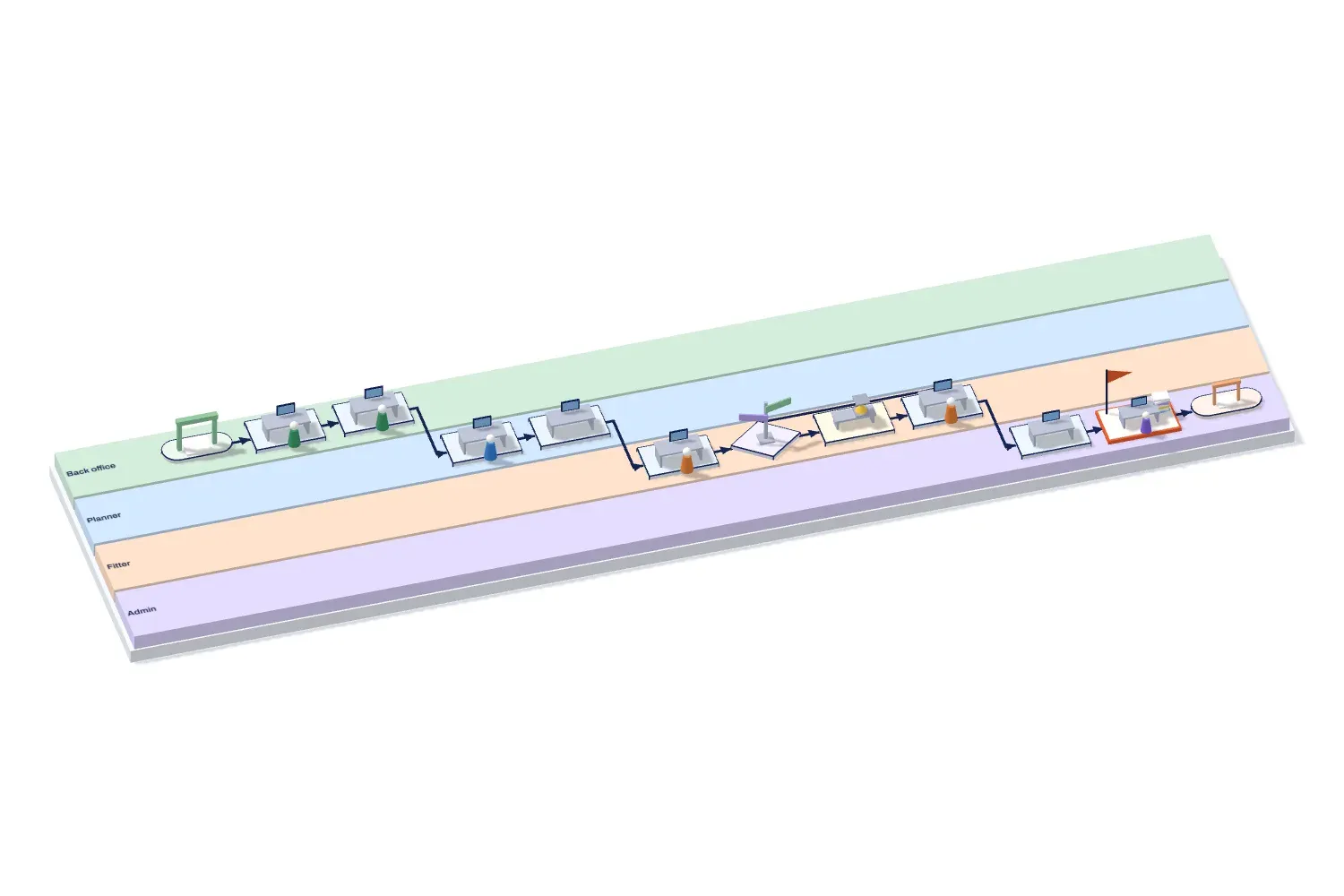
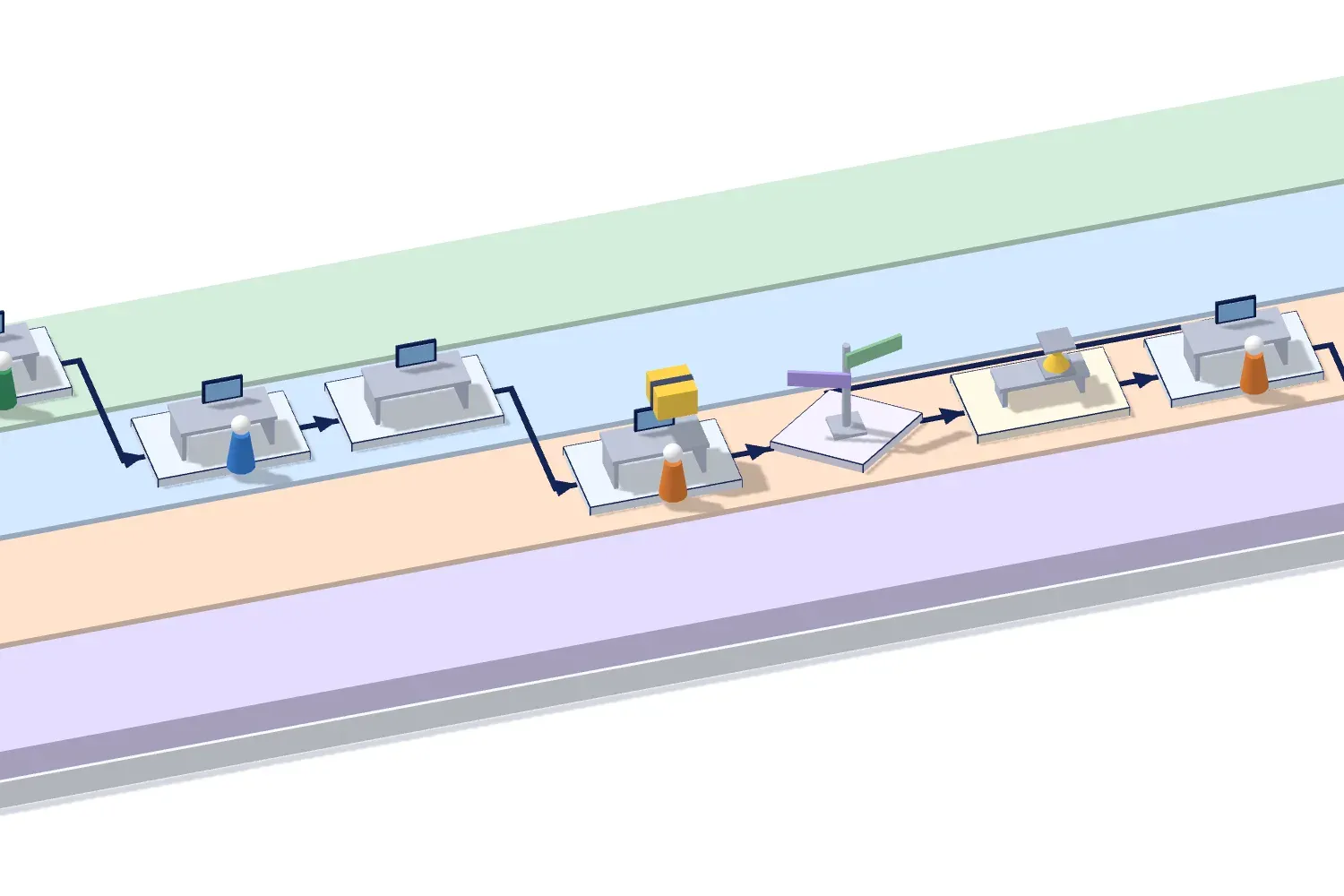
The same process now stands on the floor. Each department is a lane, each step a workstation. That way you see where the work piles up.
4Walk through the process together.
Play the process back as a tour. A parcel follows the route, from fault report to invoice, and at each workstation you see what happens.
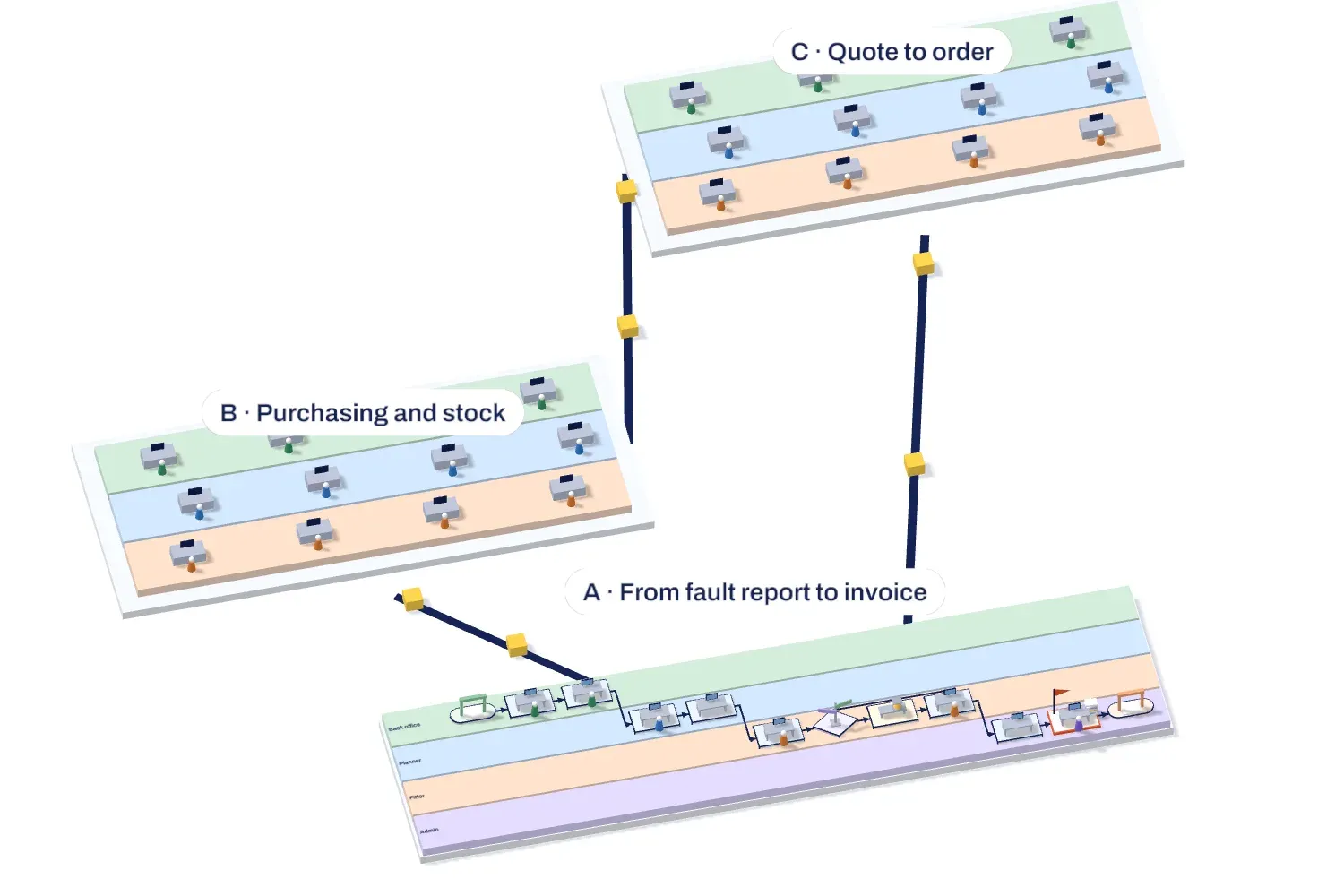
5From one process to your whole organisation.
Put your main processes together on one overview board. Under each step you find the detailed board, so you move from the big picture to the details.
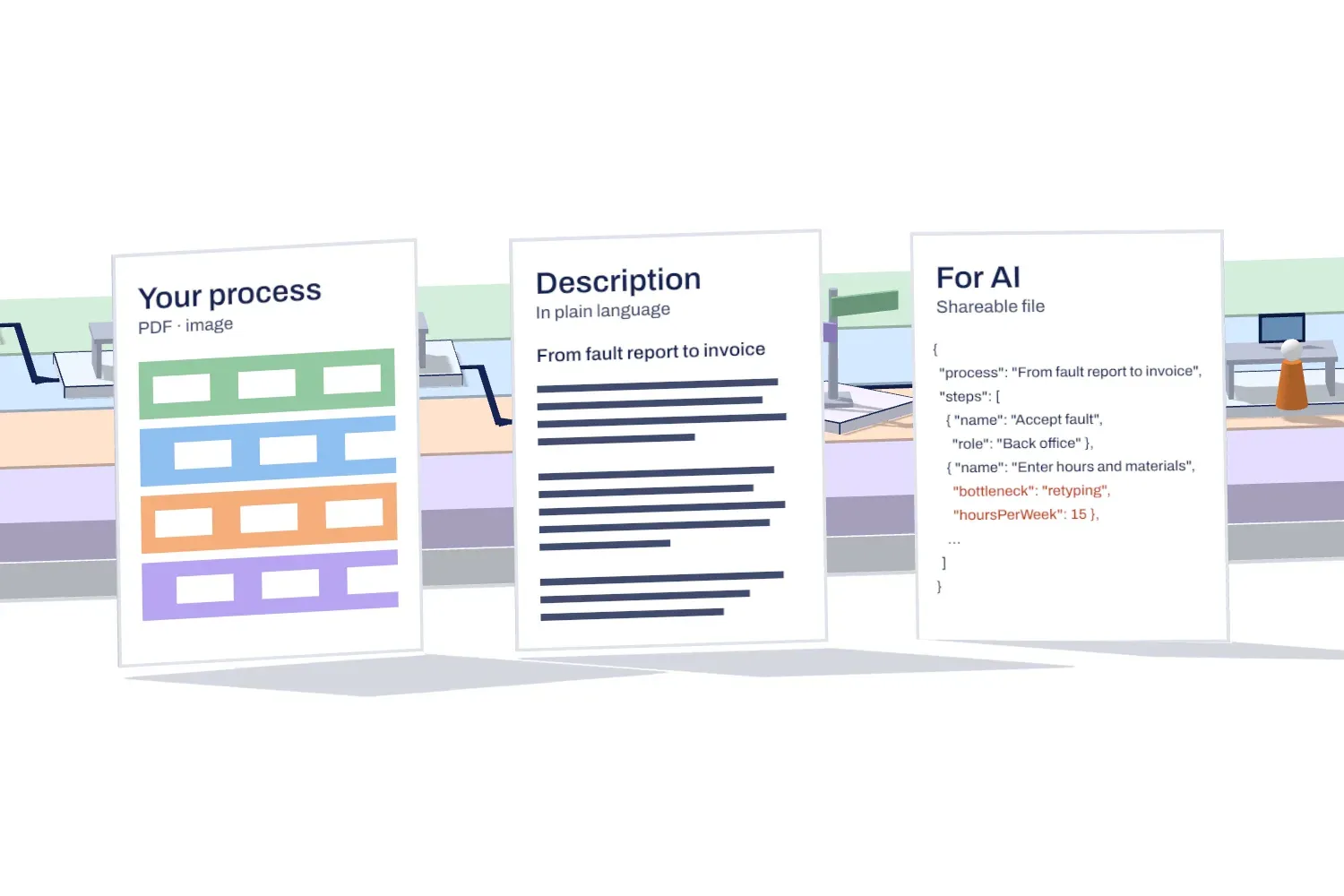
6Take it anywhere.
Your process as a PDF or image, for your report.
A description of the process in plain language, step by step.
Ready for AI: pass your process straight on to an AI assistant or your automation.
Drag to look around, scroll or pinch to zoom. Click or tap a workstation.
You talk, or Brownpaper asks.
Or send a link. Everyone tells their part when it suits them, without an account, and Brownpaper asks the questions and draws along. You get an email as soon as someone is done.
One link, no account needed
Back officeTuesday, between two calls
"A customer emails about a fault. Then I retype everything from that email into Exact."
Accept fault
Work order in Exact
Done: email to you
PlannerWednesday, over lunch
"I do the scheduling at the end of the afternoon, all in one go."
Schedule fitter
Confirm appointment
Done: email to you
FitterFriday, after the last job
"If the part is not in the van, I order it and come back."
Fix fault
Wait for part
Done: email to you
Every card points to what was said.
Click a card and you see who said it, and when. If something is off, you change it or undo it.
Work order in Exact
Sandra, back office, 10:02"A customer emails about a fault. Then I retype everything from that email into Exact."
Schedule fitter
Kees, planner, 10:06"I do the scheduling at the end of the afternoon, all in one go."
Wait for part
Fitter, 10:11"If the part is not in the van, I order it and come back."
Your processes stay yours, and in Europe.
Process conversations are about how your business works. They belong somewhere you trust.
Your conversations and processes are never used to train AI.
Organisations strictly separated
Each organisation has its own shielded environment.
Encrypted, with agreements on paper
Every paid plan comes with a data processing agreement. The contents of your boards are stored encrypted.
Brownpaper is inside your Claude and ChatGPT.
And in Gemini, Copilot or your other AI. Your assistant reads the map, makes one or changes it, and works on from it: a RACI, a business case, an improvement plan. And the map goes along in all the usual formats: as a PDF or image, BPMN, Excel or Mermaid, and the report in Word, PDF or Markdown.
Drawn by your own rules, under your own name.
Brownpaper draws the way you are used to, and the map leaves the building under your own name.
House rules
Set out once for your organisation how you name steps and roles, and which rules you follow for drawing. Every board follows those rules.
White label
Your own logo and house style (colours, typeface) on exports and share links. Or with no Brownpaper anywhere.
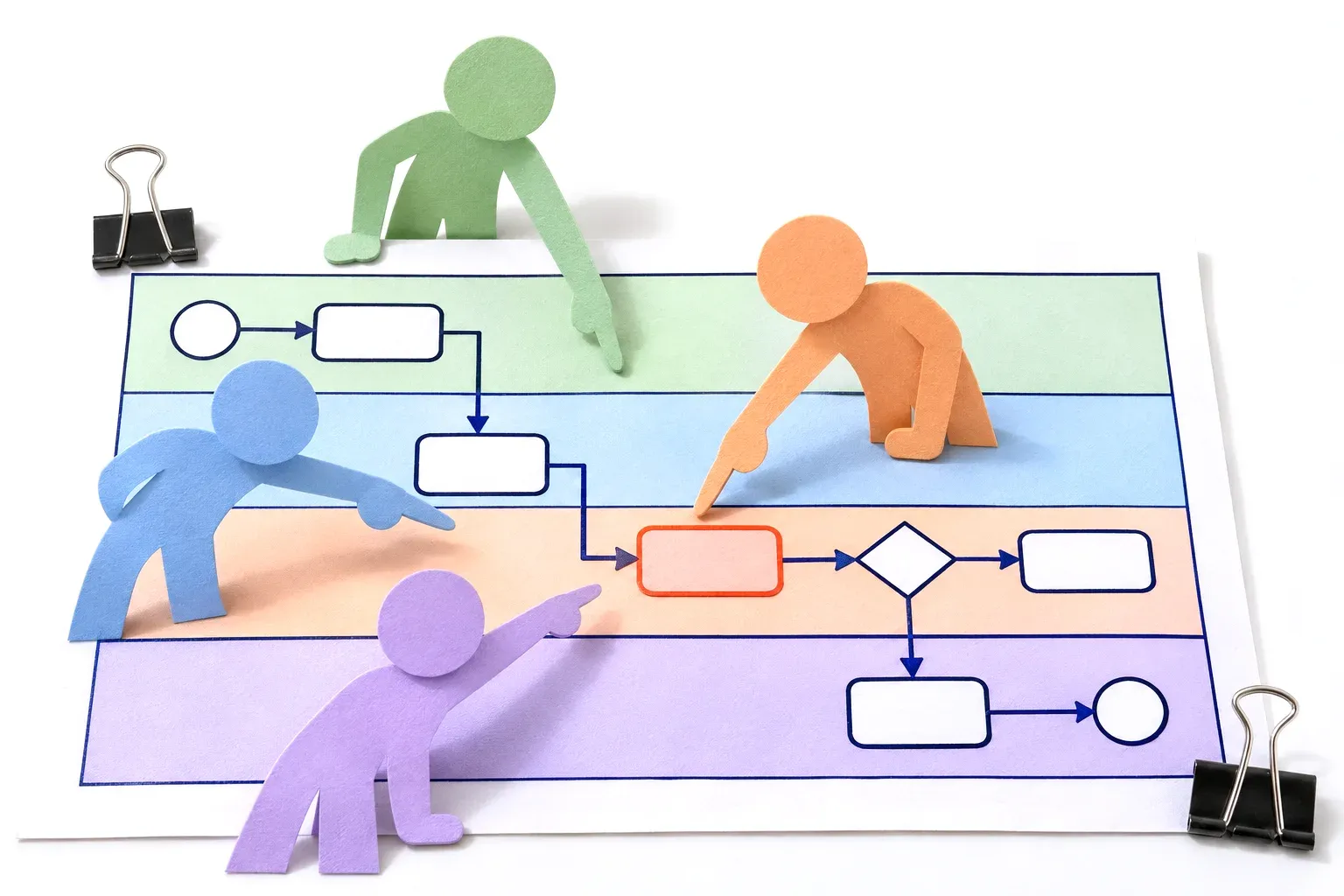
A brownpaper is a large sheet of brown paper on which a team draws a process together: the steps, who does what, where the work is handed over and where it hurts. It works because everyone looks at the same thing. Brownpaper AI does the same, but draws along while you talk, and afterwards you do not have to type anything up.
How does the AI interviewer work?
You tell it which process to ask about and who it is speaking to. It asks the questions itself, listens, follows up where something is still missing and draws along on the board. It decides for itself when to speak and when to keep listening. Tell the people it interviews beforehand that it is an AI; that is also in our terms.
Do I need to install anything?
No. Brownpaper runs in the browser, on your laptop or on the big screen in the meeting room.
Does it work with Teams, Meet or Zoom?
Yes. Share your call with sound and Brownpaper listens in on the conversation. If you are sitting together at a table, it uses your laptop microphone.
Which languages does it understand?
Dutch and English, including industry jargon and people talking over each other. System names and abbreviations you give it beforehand, it picks up straight away. If it does get something wrong, you fix it with one click. Each board has its own spoken language, so a conversation in Dutch is captured in Dutch and one in English in English.
Where is my data, and is it used to train AI?
In Europe: AI and storage run in European data centres. Your conversations and processes are never used to train AI.
Who in my organisation sees my processes?
Only the people you give access to. A board is private until you share it: with a colleague, who may view or edit, or with your whole organisation. If it sits in a shared project, whoever sees that project sees it too. With a view link, someone without an account sees the board, and the conversation only if you include it, but cannot change anything. Other organisations never see anything of yours.
What if AI draws something wrong?
Then you correct it yourself, even in the middle of the conversation, or you undo it. For each step you can see which part of the conversation it came from, so you always see why something is there.
What is a credit, and what if I run out?
A credit is usage. An hour of live drawing costs about 100 credits, an hour of interviewing by the AI interviewer 200, importing a transcript 25. A conversation via a link above the free number of your plan costs 100 credits once it starts. Viewing, editing, the 3D space and exporting cost nothing, except the report: that costs credits. If you run out, you buy extra credits or move up to a bigger plan. Your processes always remain yours.
Can I export to other tools or to an AI?
Yes: as an image or PDF, as a BPMN model that you open in Signavio, Camunda or bpmn.io, as an Excel table, as a Mermaid chart for your wiki, as a file you give straight to an AI or another tool, and as a report: a description of the process in plain language, in PDF, Word or Markdown. Image, PDF, BPMN, Excel, Mermaid and file are free; the report costs credits. That way your process is the first step towards automation straight away.
Can I use our own house rules?
Yes. You set out once, for your whole organisation, how you name steps and roles and which rules you have for drawing processes. Every board follows those rules.
Is there a data processing agreement?
Yes. Our standard data processing agreement applies to every use, including the trial; you can read it at brownpaper.ai/en/data-processing-agreement. If you work with an agreement of your own, we arrange that in the Organisation plan.